


Effects
Design the processor you keep wishing existed
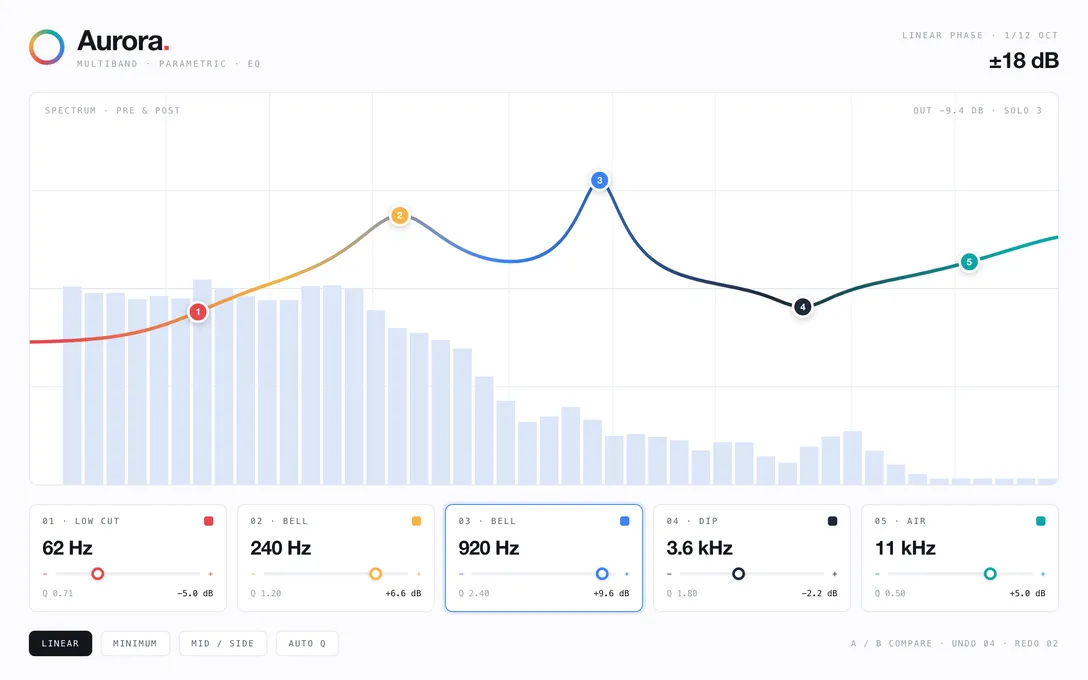
EQs and filters, compressors and limiters, delays and reverbs, chorus and phaser, tape and bitcrush, amp sims, pitch and harmonizers, stereo and mid-side tools.
Build an effectDescribe your own plugin to your coding agent and hear it in your DAW a few minutes later — no code, no dev setup. Sell it whenever you’re ready.
Make me
macOS & Windows · VST3 · AU · AAX
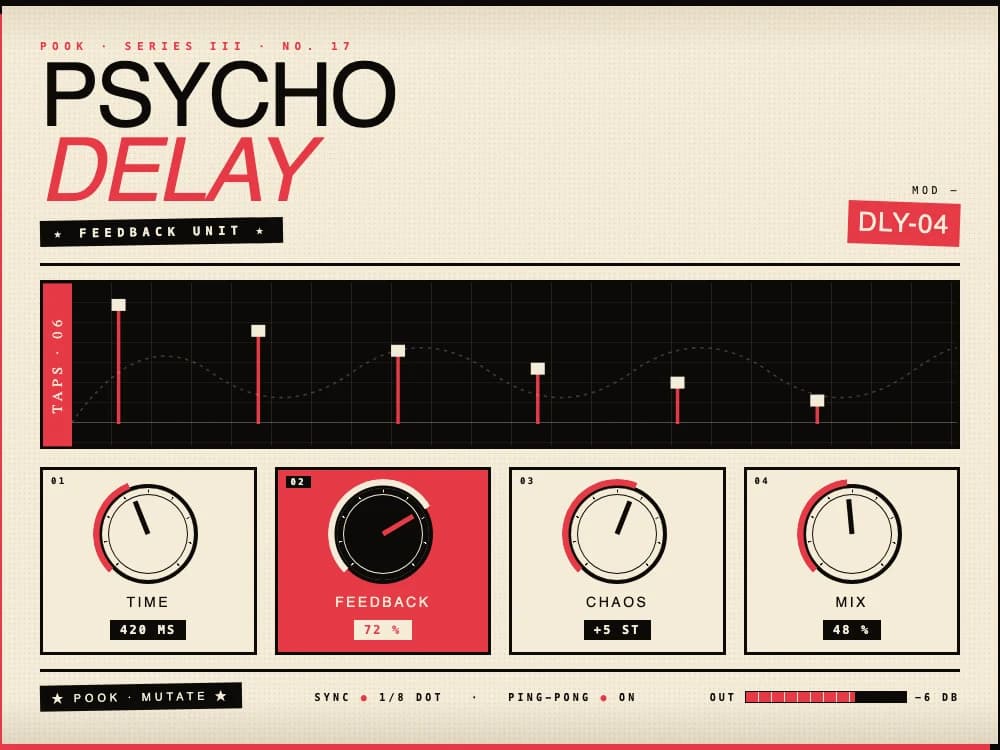
a ping-pong delay that goes a bit mad
Psycho Delay — playing in your DAW.
feedback's too polite — let it run away
Reloaded. Track never stopped.
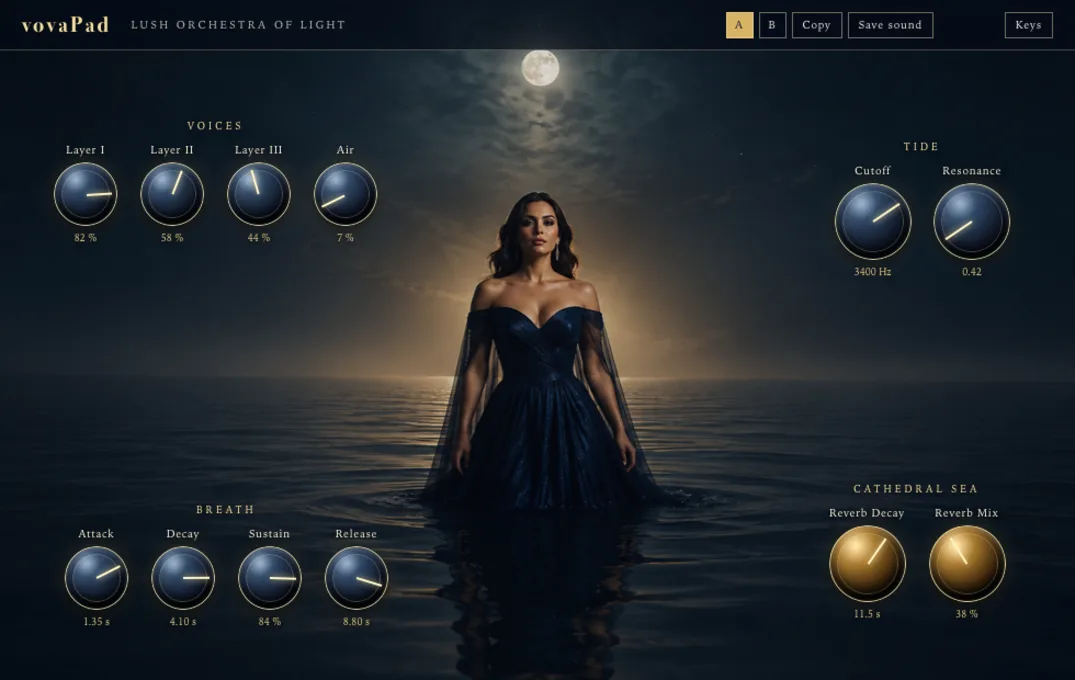
a warm pad — an opera singer in a midnight sea
vovaPad — playing in your DAW.
You describe it
In plain words, to the agent you already use.
Your agent writes it
Plain source on your disk. Nothing hidden.
Pook builds it into your DAW
Save the file, hear it while the track is still rolling.
Built with the AI plan you already pay for
What it costs
Pook costs about what a single plugin costs. No second purchase, no fee per plugin, no ceiling on how many you make. And everything you make is yours to keep.
Effects
Instruments
VST3, AU and AAX on macOS and Windows
Ableton Live, Logic Pro, Pro Tools, Bitwig, Reaper, FL Studio, Cubase, Studio One
Your agent, on Pook
Keep the agent you already use — Claude Code, Codex, whichever. Pook puts an audio plugin team behind it, and takes the technical work off your plate.
Your agent is a generalist. These are specialists — years of plugin-making, ready the moment it opens the project.
First, a creative partner.
Bring a rough idea or a sound you are chasing. Shape the sound, the controls and the look together before the first build.
Audio DSP engineer
Filters that stay clean, saturation that stays musical, reverbs that hold shape.
Designer
Fine control on shift-drag, ranges where you expect them, a look that is the plugin’s own.
Plugin engineer
Loads in any DAW on Mac and Windows, with automation and recall wired in.
QA engineer
Checks for faults, and tells you what to listen for when you try it.
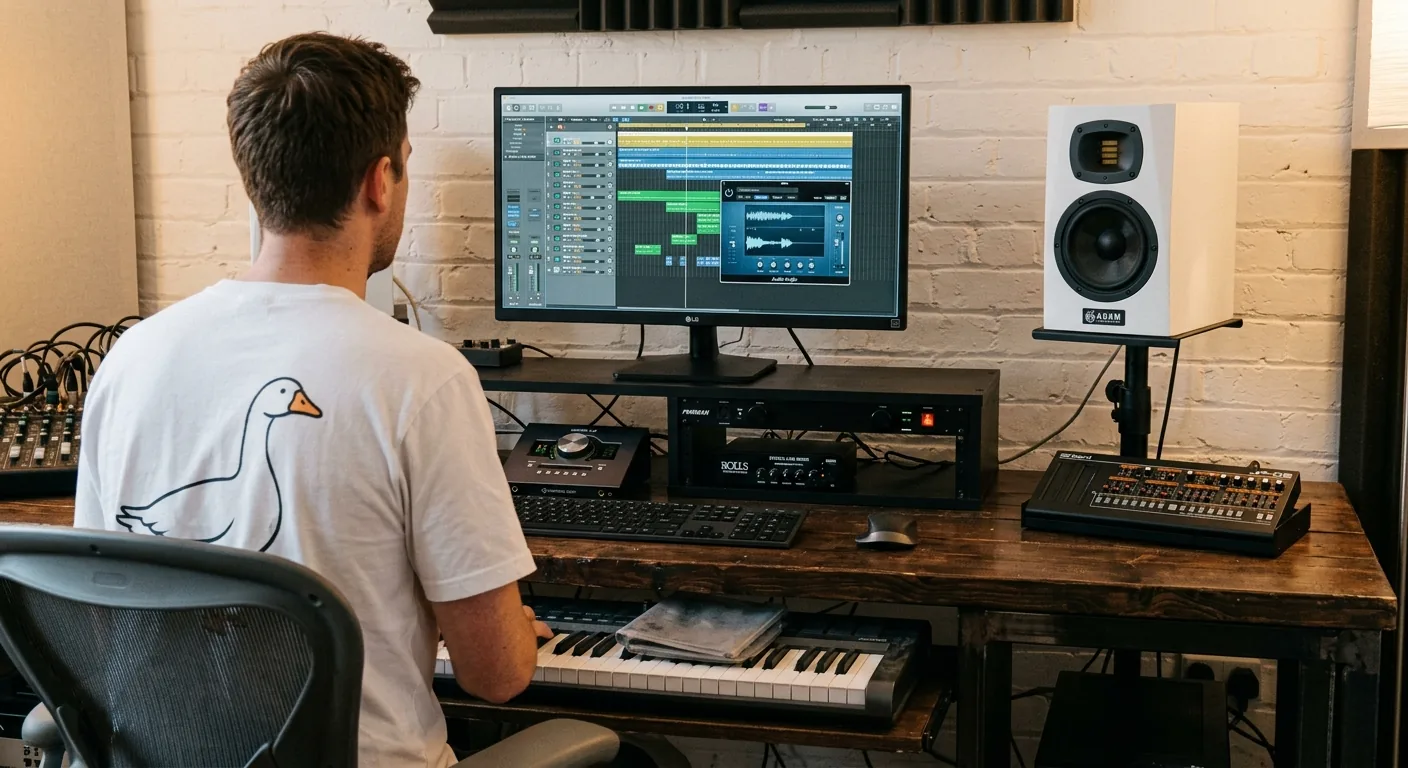
From a live plugin in your DAW to a finished release.
Hear every change live.
Keep the track playing while your agent works. Ask for a change and hear the difference in your DAW, no restart, no rebuild.
Nothing to set up.
Pook handles the toolchain and the builds. Install it, open your agent, start.
Plugin essentials, built in.
Automation, session recall, delay compensation, sidechain, crisp resizable interfaces.
Mac, Windows, and your DAW.
One plugin across hosts. VST3, AU and AAX.
A path to release.
Signed installers, user trials and licensing through Pook publishing.
You bring the ears. You make the calls.
Start buildingSo what is it
Say what you want, your agent writes it, and minutes later it’s running in your DAW. Every save lands live — nothing to rebuild, nothing to restart — so you hear each change the moment it’s made, track still rolling.
One payment, as many plugins as you care to make, all of them yours to keep. Build the suite you’d otherwise be buying.
What comes out the other end
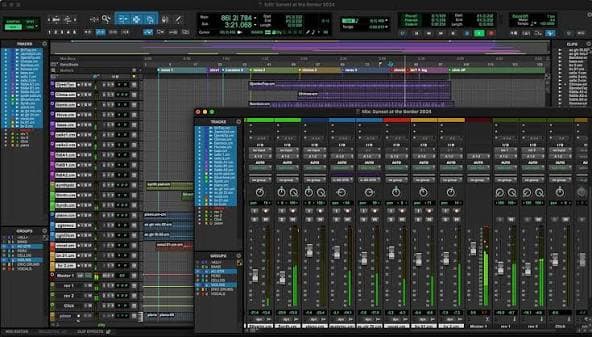
How it works
Keep the agent you already use on one screen and your session on the other. Pook sits between them — and the same words turn into a working plugin in every host, on both platforms, at once.
Try it — ask for a plugin below and watch it load
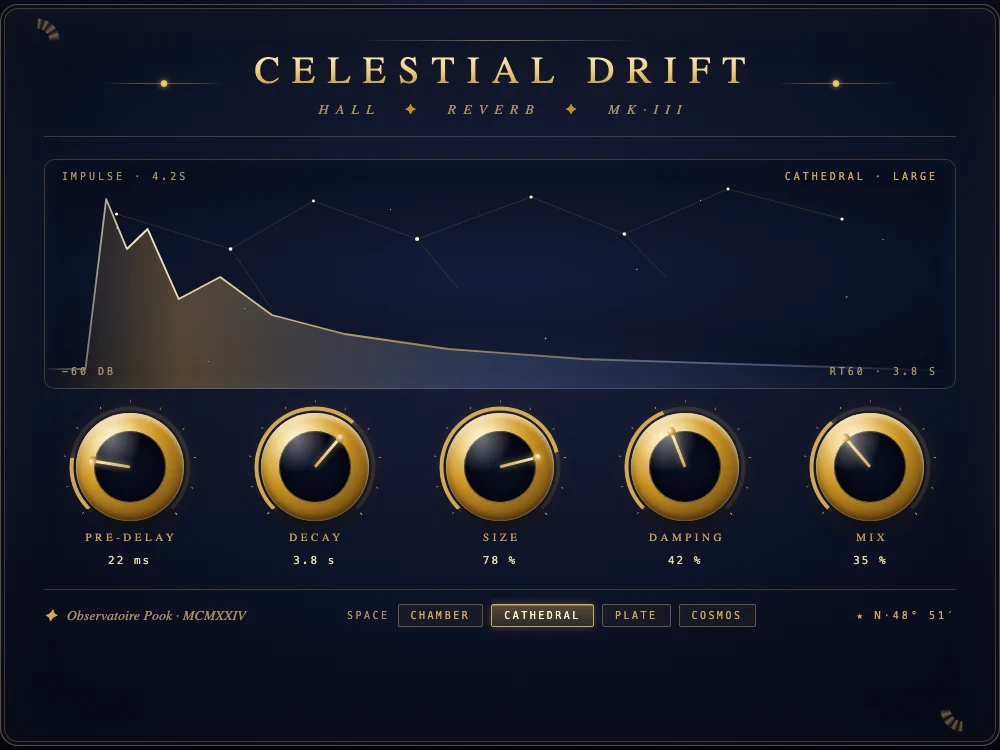
make me a shimmer reverb
On it — a hall reverb with an octave-up tail.
Celestial Drift — playing in all 4 hosts.
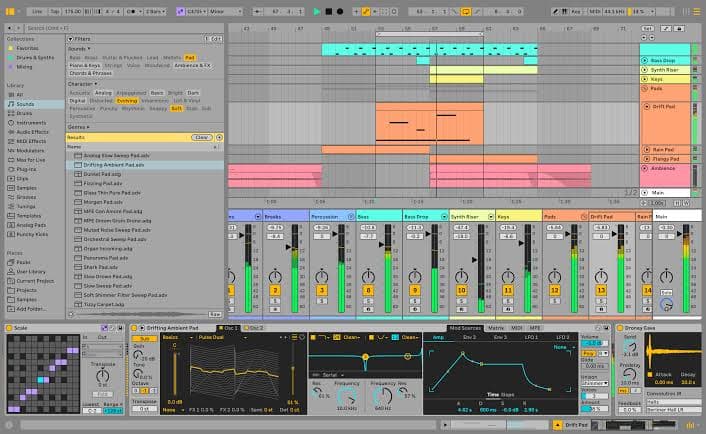
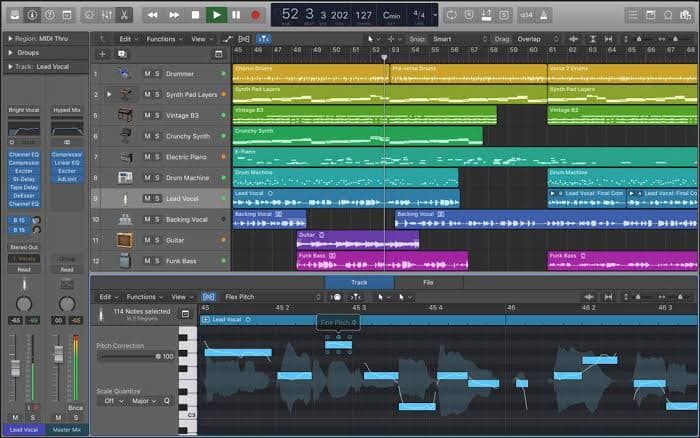
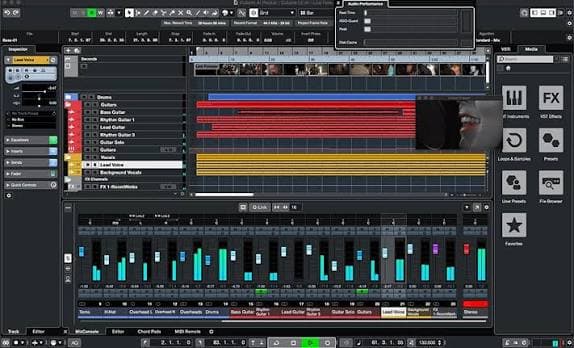
Updates in real time. No DAW restarts.
* Ableton and Live are trademarks of Ableton AG. Pro Tools is a trademark or registered trademark of Avid Technology, Inc. Logic Pro is a trademark of Apple Inc. Cubase is a registered trademark of Steinberg Media Technologies GmbH. Pook is not affiliated with, endorsed by, or sponsored by any of them.
Everything you are not doing
It is everything after — the setup, the packaging, the paperwork between a good idea and something anyone can install. Pook did all of it once, for every plugin you will make.
A year in, one of you is maintaining a codebase and a billing system.
The other one is making plugins.
Effects, instruments, utilities
If you can describe it, it can exist. Everything behind the plugins you already own — plus the ones nobody has made yet.
Effects
EQs and filters, compressors and limiters, delays and reverbs, chorus and phaser, tape and bitcrush, amp sims, pitch and harmonizers, stereo and mid-side tools.
Build an effectInstruments
Subtractive, FM and wavetable synths, plucked and physical models, granular engines, sample-based instruments — poly, mono or MPE.
Build an instrument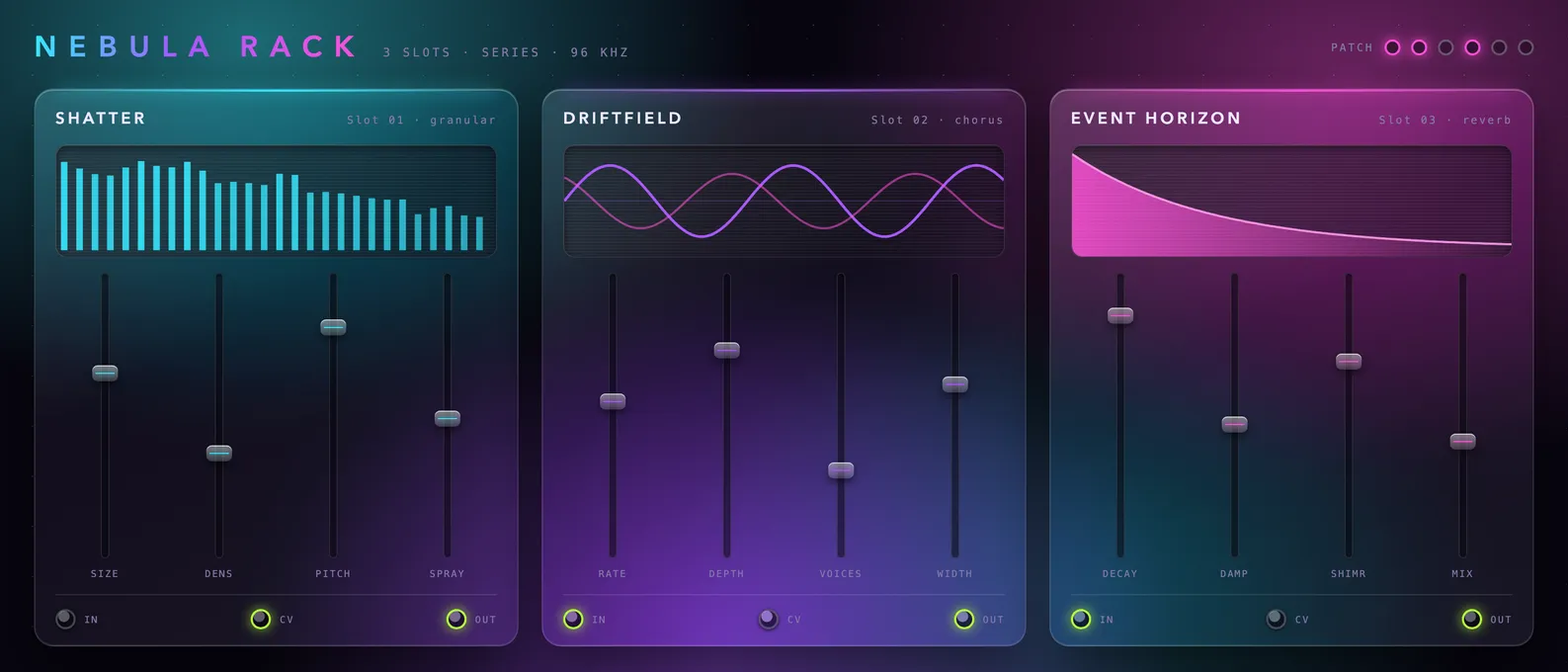
Or something with no name yet
Multiband anything, channel strips and chains, spectral processors, feedback systems — hybrids of all of the above, if that’s what the track needs.
Build the weird oneNot just the sound
A Pook plugin looks finished before you change a thing — and holds up just as well once you do.
Knobs, meters, layout, colors, your name on it. Every pixel is something you can change.
Branding, controls, preset handling and A/B compare shared across a whole range — each plugin still its own tool.
Resizable interfaces, HiDPI and Retina handled by design, in every DAW and on every monitor.
Tell your agent to move it, recolor it, rebuild it. Save the file and the interface is already different.
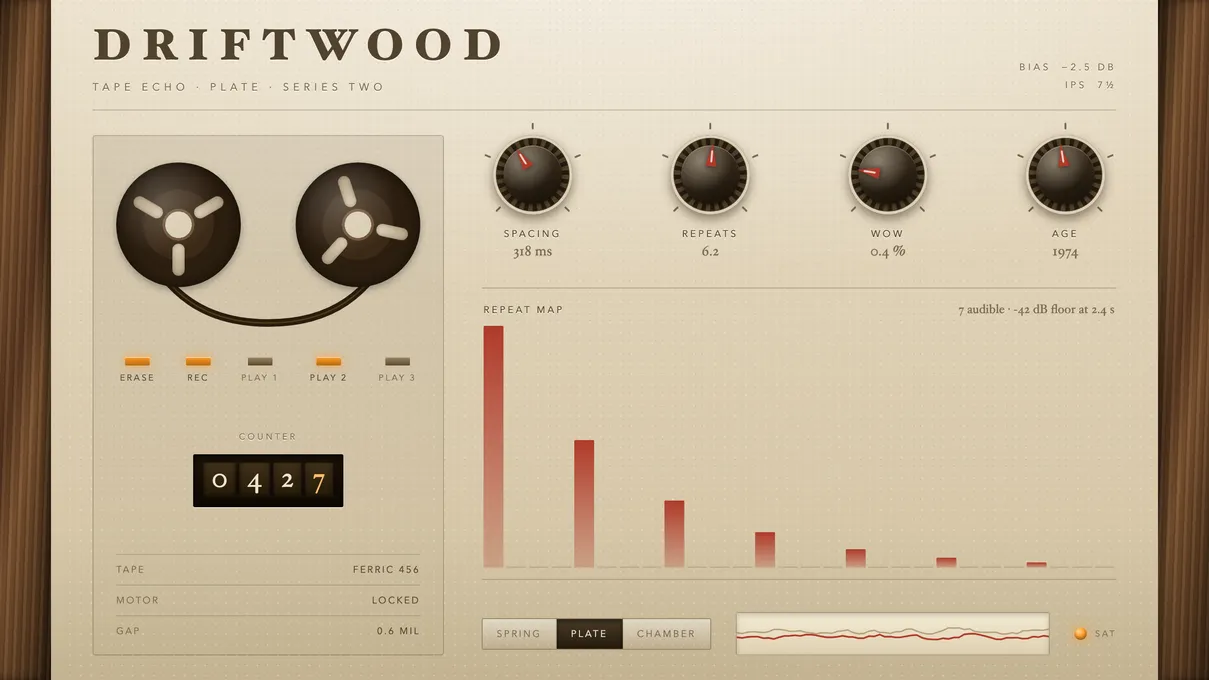
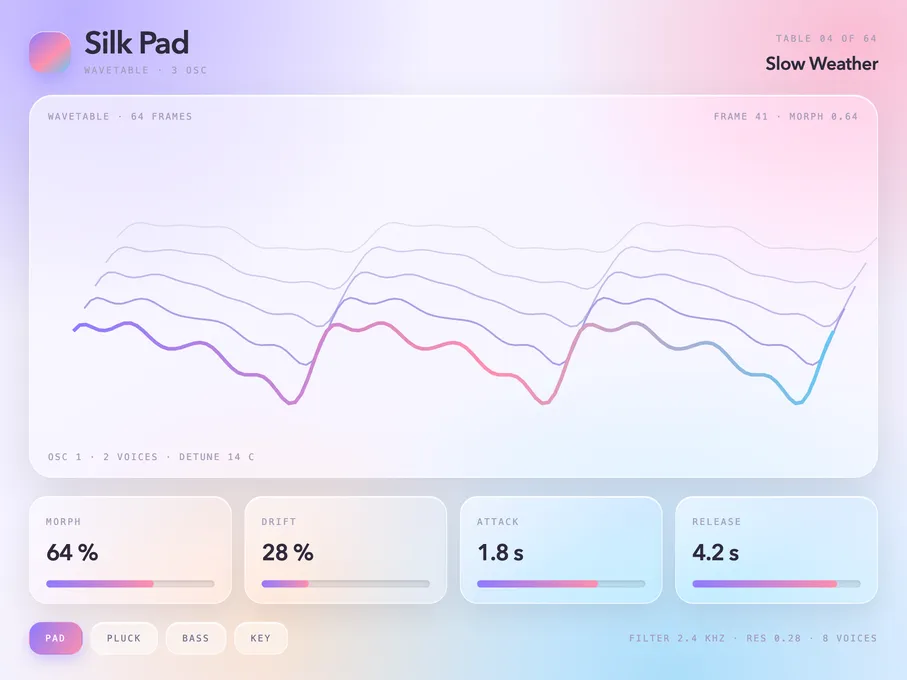
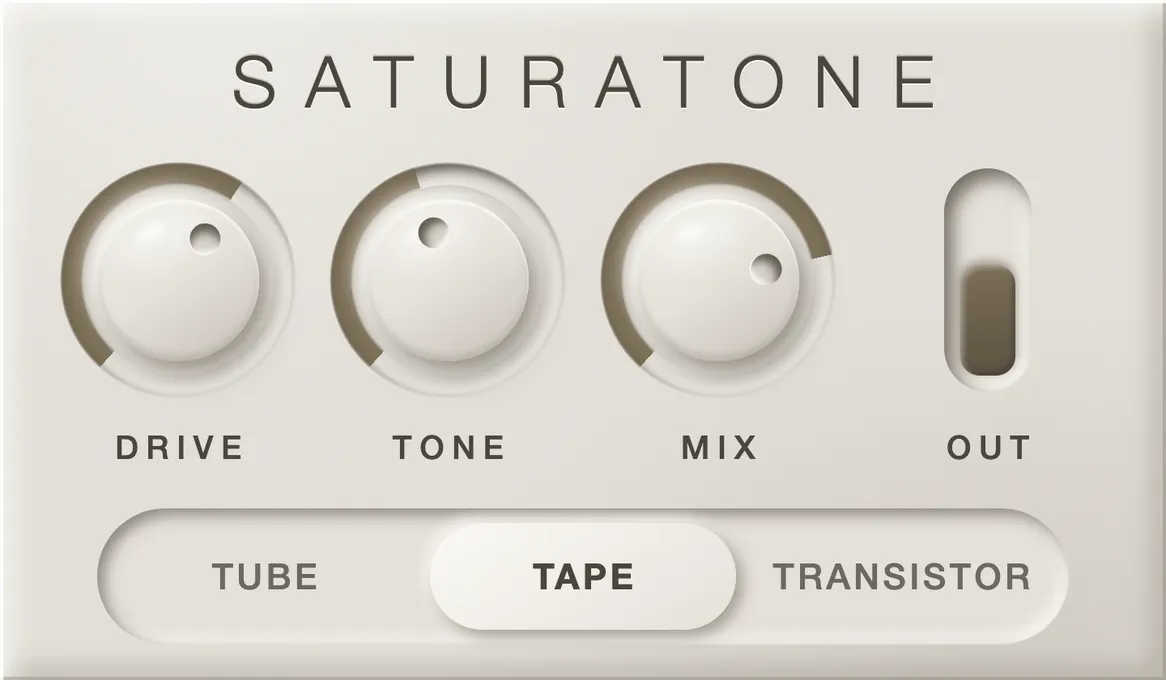
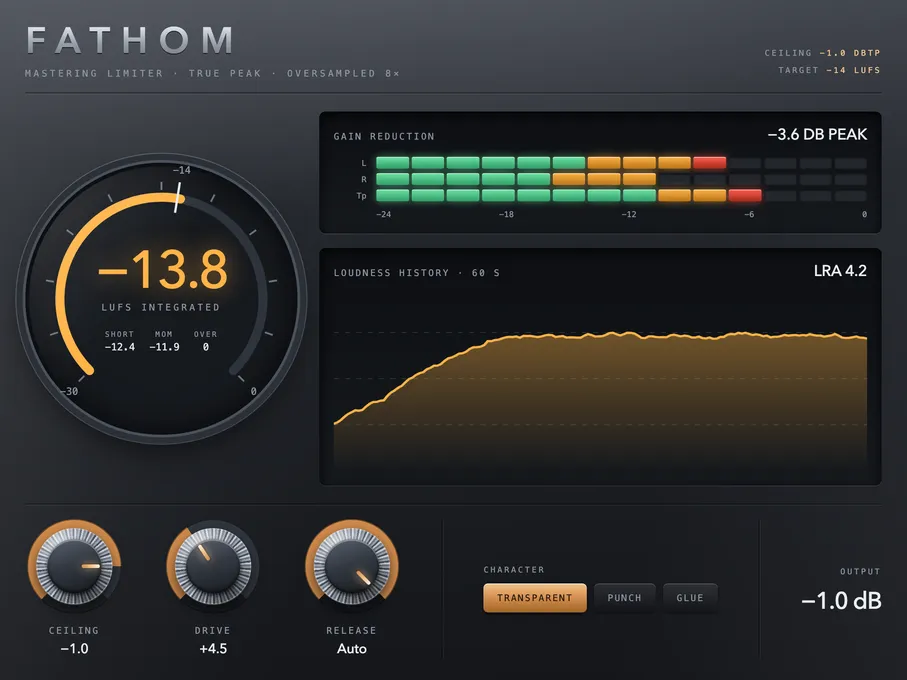
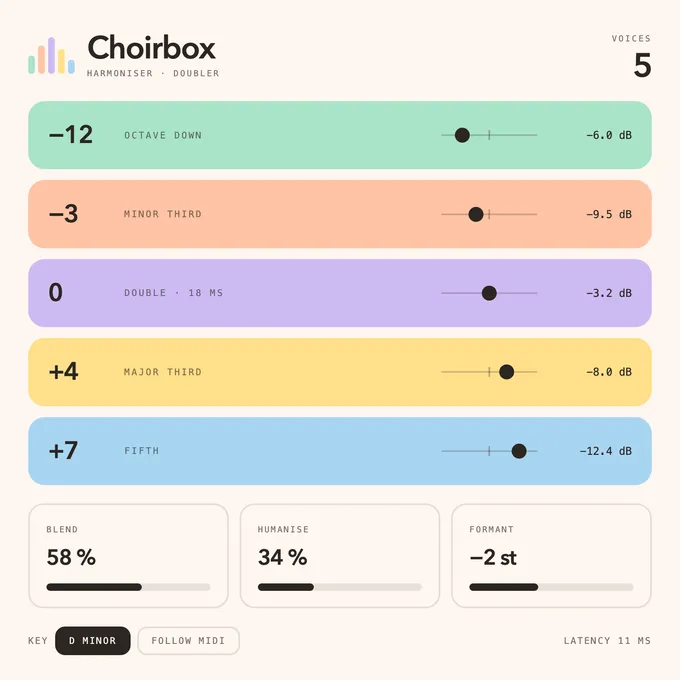
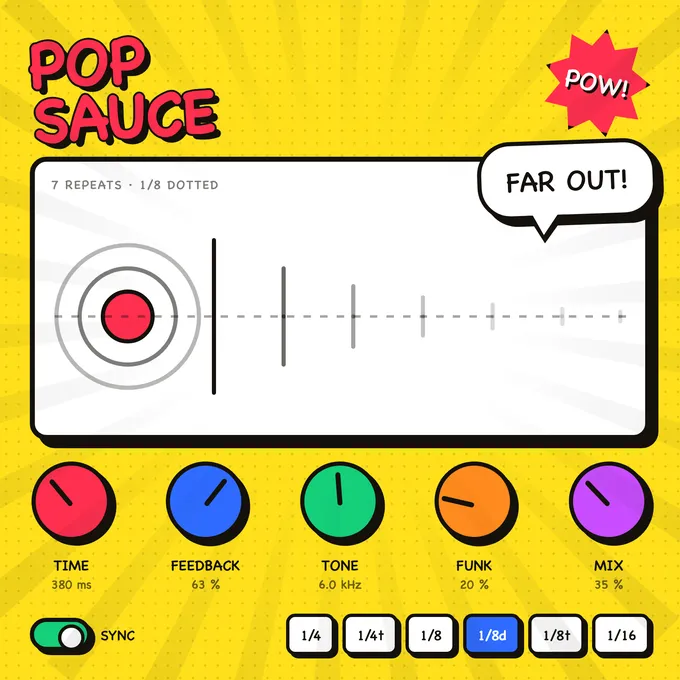
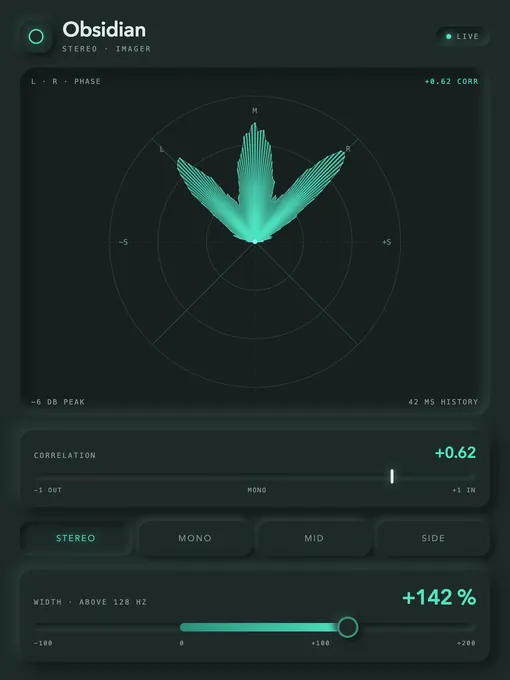
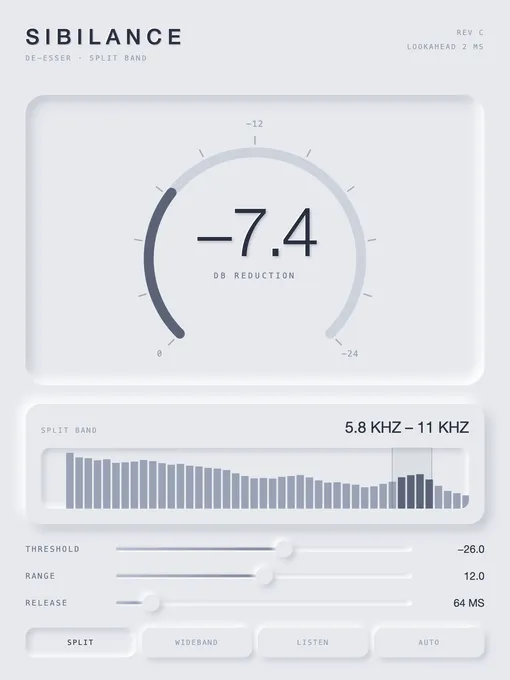
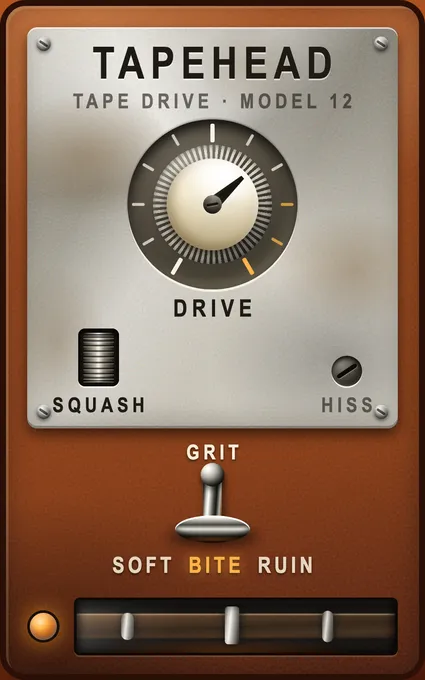
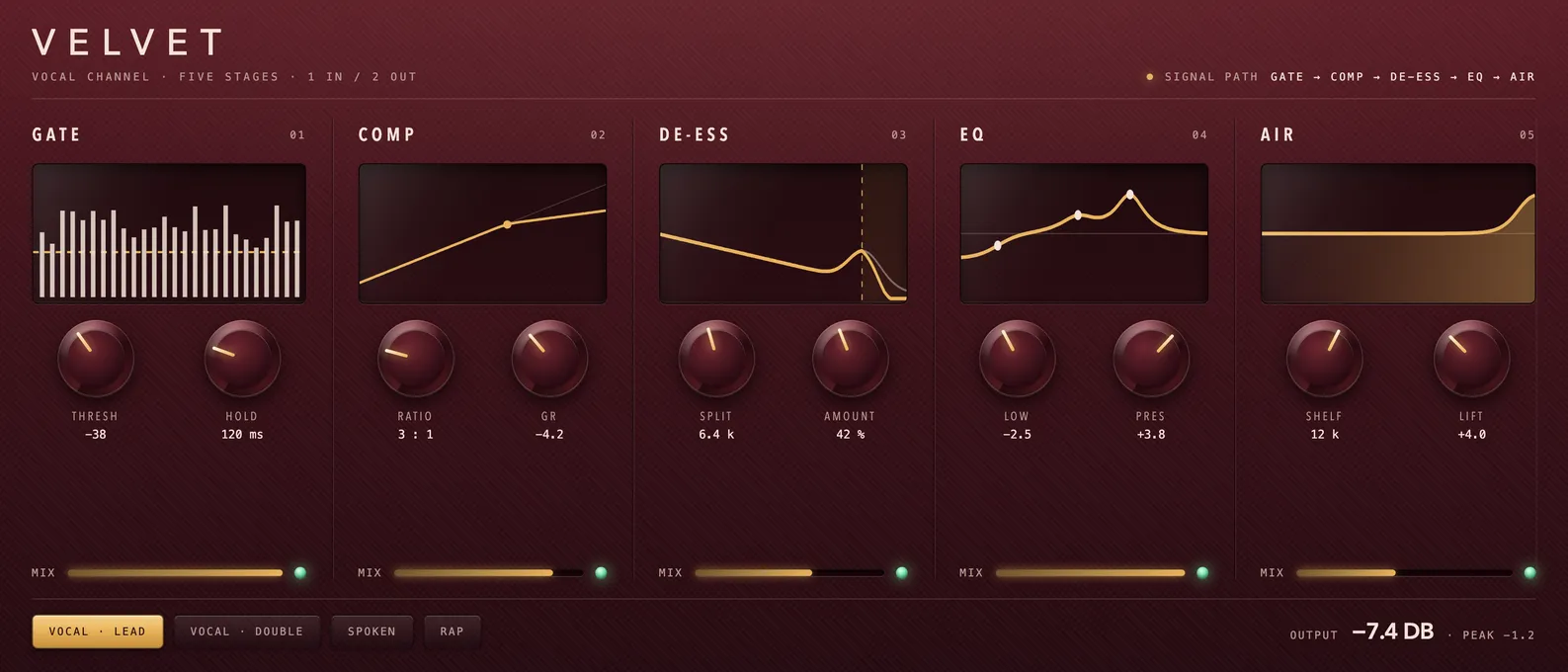
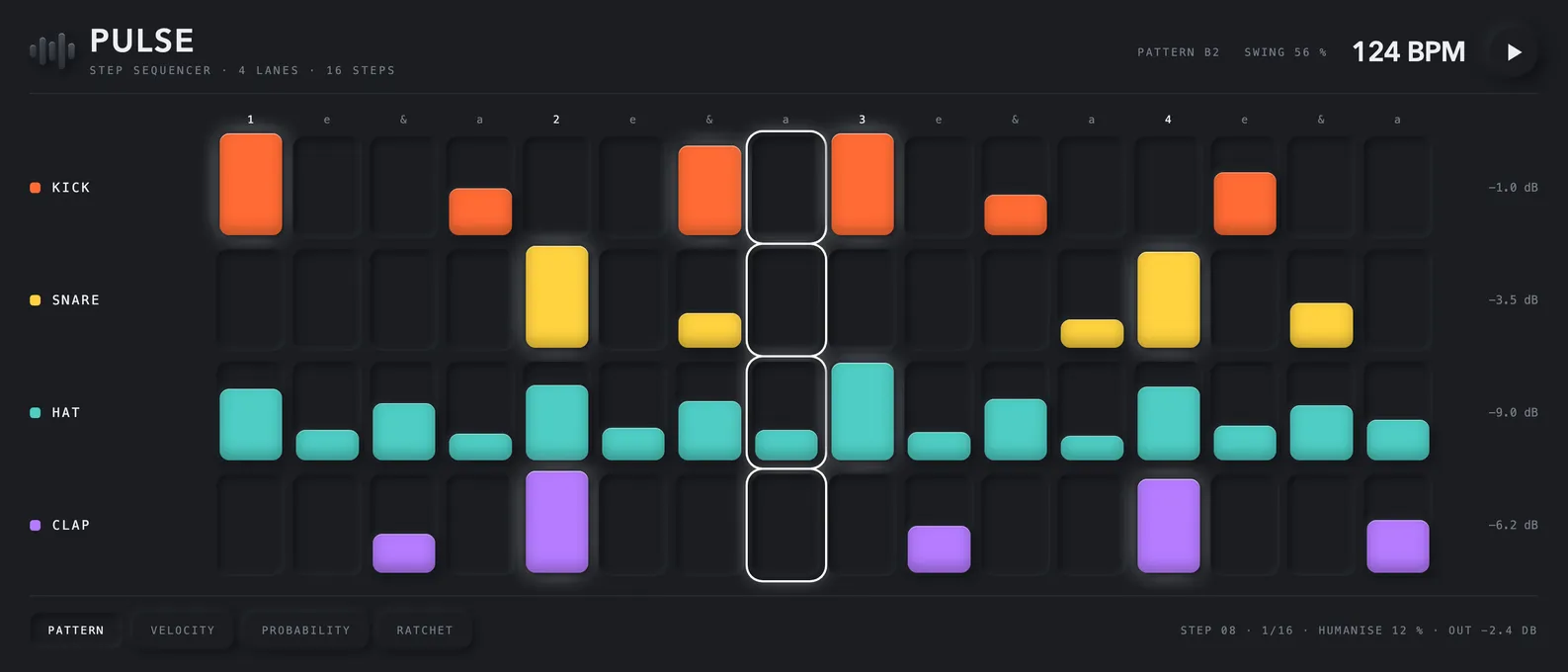
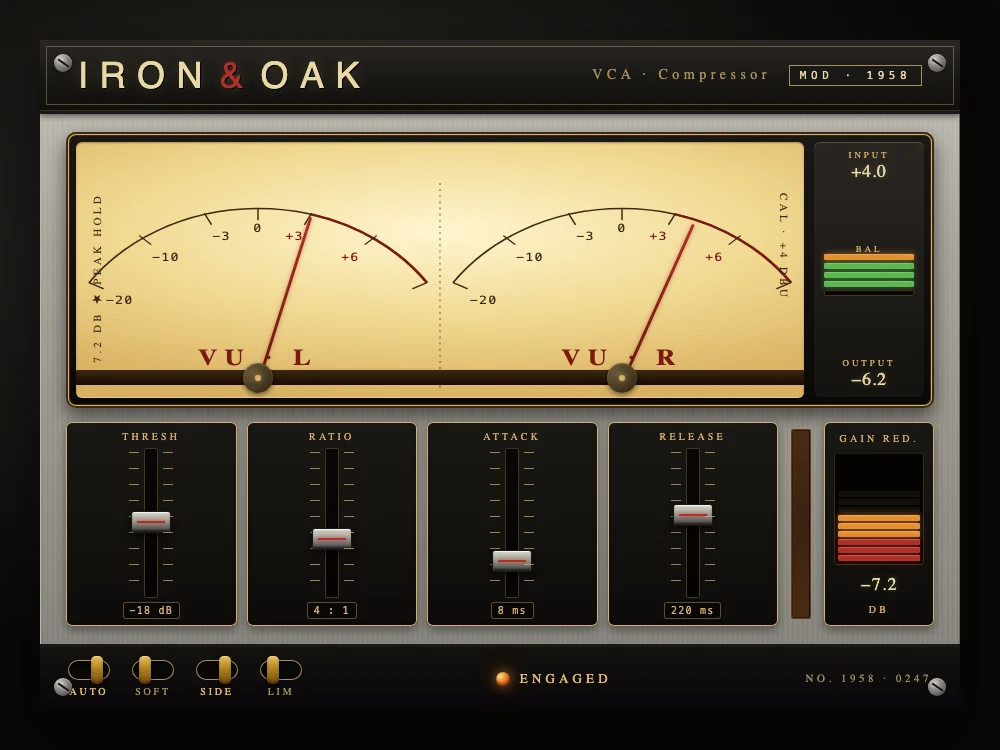
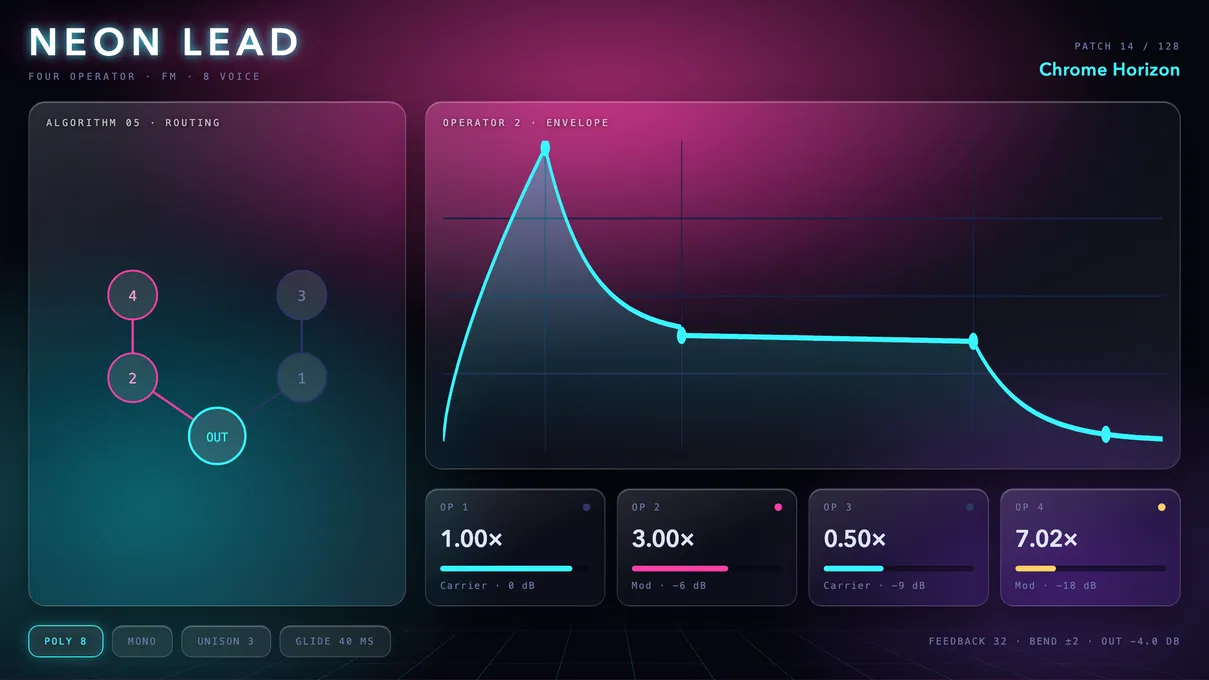
Every one of these was described to an agent and built in Pook.
Pro-grade, by default
The unglamorous engineering every professional plugin needs — done once, by us, and already in every plugin you make.
Native VST3, AU and AAX on both platforms — Ableton to Pro Tools, working from day one.
Sample-accurate PDC, so your plugin sits perfectly in time with the rest of the mix.
External sidechain input works in every host — no per-DAW plumbing to figure out.
Every parameter maps to your DAW's automation lanes — draw curves, assign controllers, perform live.
Crisp, resizable interfaces on any display and DAW — HiDPI and Retina handled by design.
Hand-optimized real-time processing — low CPU, no dropouts, no surprises under load.
Branding, controls, preset handling and A/B compare, so every plugin in a project feels like one family.
Push updates to everyone who has your plugin; versioning is built in, so sessions never break.
Keyless activation, trials and machine management — no server to run.
When it’s ready
Built it for yourself? That’s already a finished plugin. Keep it, hand it to someone, or put it on sale — and whichever you pick, it goes out under your name. The plugin, the installer, the license email, the update notice: no “made with” badge, no one else’s logo in the corner.
Our vision
Full creative freedom over how it sounds and how it looks — not a preset someone else chose for you. Pook clears away the setup that used to sit between an idea and a real plugin running in your session, so the only thing left to figure out is the sound in your head.
Read the full visionOne purchase per builder, no renewal. Every feature is in the 21-day trial, and no card is needed to start it.
Pook Fx+Pook Instrument
Both kinds of plugin, one purchase.
EQs, compressors, delays, reverbs — anything that processes sound.
Synths, samplers, drum machines — anything that plays notes.
Every license includes
21-day trial · 2 machines · works with your own AI coding agent
Ready to sell what you built? See publisher plans
No. You never write code, and you don’t need to read it — no C++, no DSP, no build setup. What you do bring is your own AI coding agent (Claude Code, Codex, Cursor, GitHub Copilot, Antigravity, and the like). You describe the sound, the behavior, and the look the way you’d describe it to another musician; your agent writes the plugin, Pook runs it live in your DAW, and you keep listening and asking for changes until it’s right. If you can tell someone what you want to hear, you can make it.
Three things: Pook installed, one builder — Pook Fx, Pook Instrument, or Pook Studio — and your own AI coding agent. You describe what you want, your agent writes it, and Pook runs it live in your DAW — hot-reloading on every edit, with no need to restart the DAW or rescan plugins.
VST3, AU, and AAX, on macOS and Windows — every major DAW: Ableton Live, Logic Pro, Pro Tools, FL Studio, Cubase, Nuendo, Studio One, Bitwig Studio, Reaper, Reason, Cakewalk, Digital Performer, GarageBand, Luna, Ardour, and more.
Everything between your idea and a finished plugin. Yours opens at the right size on any screen, stays in time with the rest of your session, remembers its settings when you reopen the project, follows automation and MIDI, and stays light on CPU — on every DAW, with nothing to set up. Releasing it is what we’re building next: builds for Mac and Windows, the signing that keeps your installer from being flagged as untrusted, an installer with your name on it, and unlocking with no serial numbers. You stay on the sound, the behavior, and the look.
No. Most people start by building something for themselves — the compressor, the reverb, the weird thing nobody makes — and just use it in their own music. That’s a complete, perfectly good way to use Pook, and it’s where nearly everyone begins. Selling is what we’re building next: you’ll be able to walk through that door years later with something you built for yourself on day one.
You bring the idea. The rest is yours to keep — the source, the sound, the name on it, and every sale.
macOS & Windows · VST3 · AU · AAX